Transactions
About Transactions
The Transactions panel in COHO is where you manage and reconcile financial tenancy transactions by connecting your bank account(s) to the system.
Why should you use the Transactions panel?
- It saves significant time in reconciling rents
- Reduces human error
- It's faster, more accurate rent matching
- Clear audit trail and visibility
- Improves tenant payment behaviour
- Scales as the portfolio grows
- Designed to work with the rest of COHO
Connecting Accounts
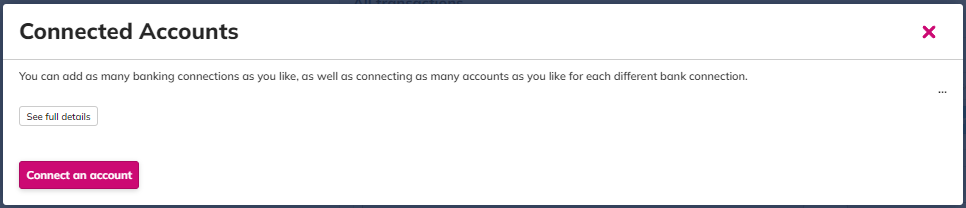
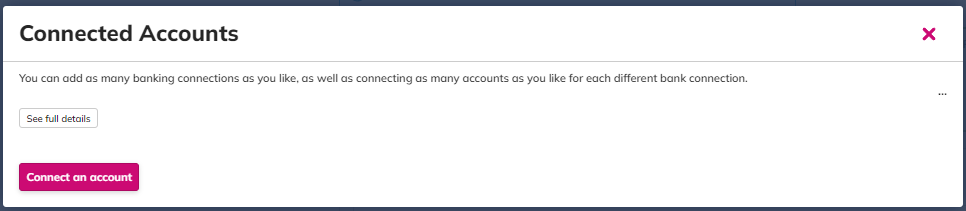
You will navigate to our API provider and you will be able to search for a bank. Follow the instructions as per the API provider.
Click “Connect” to link a bank account via COHO’s open banking integration.
The system automatically scans your account every ~6 hours for new income transactions.
COHO attempts to match incoming transactions to tenant rent schedules using:
- Transaction date (with a ±3 day window),
- Amount paid,
- Payment reference (if provided correctly).
You may need to re-authenticate bank connections every 3–6 months depending on the bank.
Here you can also ‘Check bank feeds’ to force the system to rescan or ‘Run rules’
All Transactions
In the ‘All Transactions’ section you can see all transactions listed.
Filtering Options:
Custom: Enter a date range.
Amount from: Here you can enter an amount to see all transactions from that amount.
Amount to: Here you can enter an amount to see all transactions to that amount.
All transactions: Here you can use the drop down menu to list the types of transactions. I.e., Unmatched transactions, partially matched transactions etc.
All references: Here you can enter a payment reference to search by.
Filter to a specific account: Here you can use the drop down menu to select a specific bank account.
Click ‘Filter’ to allow the changes to take effect.
Ignore checked transactions: Here you can checkbox items listed to ignore.
Re-match checked transactions: Here you can force the system to re-match any checkbox items.
Reconcile transactions
Where the system has not been able to fully match a rent payment using the above mentioned criteria, you will be able to view proposed matches.
On the left hand side you will see all the information related to the transaction that has been pulled through from the bank account. On the right hand side, COHO will find the closest possible match.
You will then be able to 'Ok' the proposed match to fully reconcile the rent payment.
Rent Match Rules
COHO lets you create rules for recurring mismatches (e.g., wrong reference codes) so future payments apply automatically without manual intervention. Rules include:
Propose Match — system suggests but requires review
Match Closest — match to nearest amount due
Match Oldest — prioritize oldest rent due first
Rent Match Rules when they have created can also be edited if required:
Pending Transactions
A pending transaction is a recent bank transaction that has not yet been fully processed by your bank. When the transaction processing is complete it will automatically become available for you to match against any rent due records. They are listed here for your information only.
Transactions Settings Cog
The settings cog lets you:
-
Reconnect bank feeds
-
Connect additional accounts
-
Adjust transaction settings related to reconciliation behavior.