Welcome Packs
About Welcome Packs
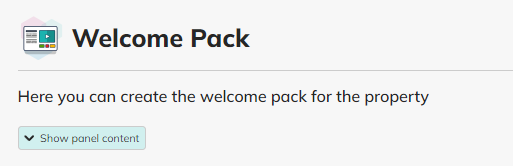
Welcome Packs let you share important property information with your tenants in a way that’s easy for them to access via their COHO dashboard.
What a Welcome Pack Is
A Welcome Pack is a collection of useful information your tenants will see when they log into their My COHO Dashboard. It helps tenants find key details about their home — like contact numbers, codes, schedules and files — in one place.
Why this matters
A well-structured Welcome Pack helps tenants feel informed, supported, and confident from day one of their tenancy — and cuts down on repeat manager queries by centralising information.
There are two main types of content you can add:
Quick Info — Simple text items (e.g., phone numbers, codes).
Info Cards — Richer content like documents, images, or uploaded files.
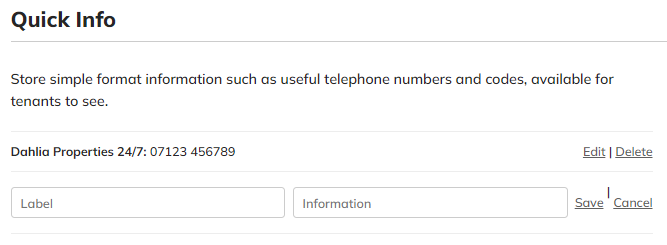
‘Quick Info’
Simple text items (e.g., phone numbers, codes).
or, by adding;
‘Info Cards’
Richer content like documents, images, or uploaded files.
It’s important to understand the Welcome Pack levels in COHO before adding any information for your tenants.
Organisational level Welcome Pack
Use this for information that applies to all tenants across your whole portfolio — for example:
Emergency contact numbers
National safety instructions
General guidelines that everyone should know
This content appears for every tenant in all properties.
Property Level Welcome Pack
This is specific to one property — tenants in that building or home will see this info on their dashboard. Useful for things like:
Property Wi-Fi codes
Bin collection dates
Cleaner schedules
Property-specific contacts
This doesn’t show up for tenants in your other properties.
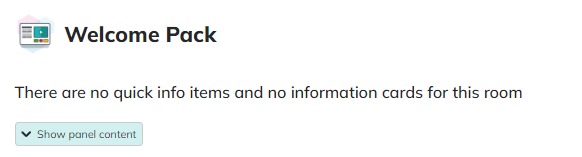
Room Level Welcome Pack
Use room-level packs for individual rooms or occupants — for example:
-
Room key codes
-
Personalised instructions
Room-specific documentation
Only the tenants assigned to that room see this content.
Welcome Pack Settings Cog
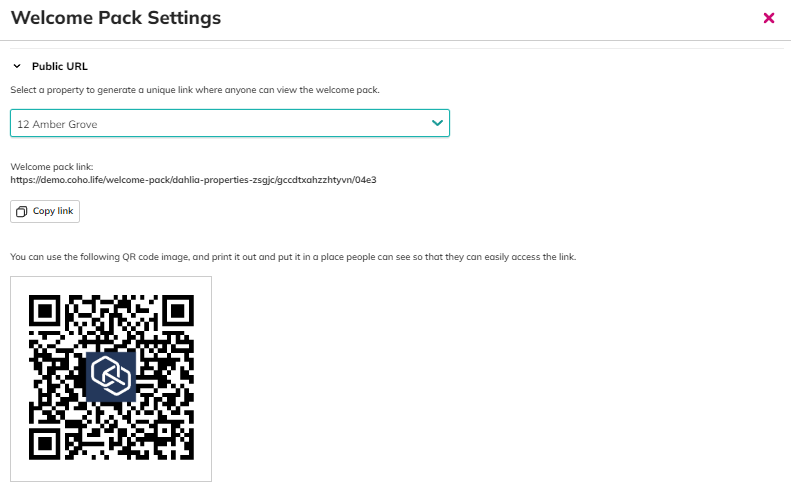
There’s a settings cog (⚙️) on the Organisational Welcome Pack, where you can:
-
Generate a public URL
-
Create a tenant-facing link and QR code
This lets you share the Welcome Pack with tenants who haven’t yet logged in to their COHO dashboard — for example, by putting a QR code on a notice board in the property hallway / lobby.


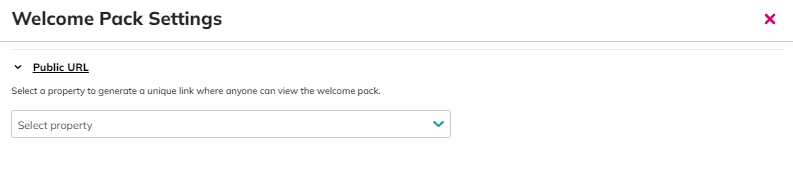
First choose a property to generate a public URL / QR Code.